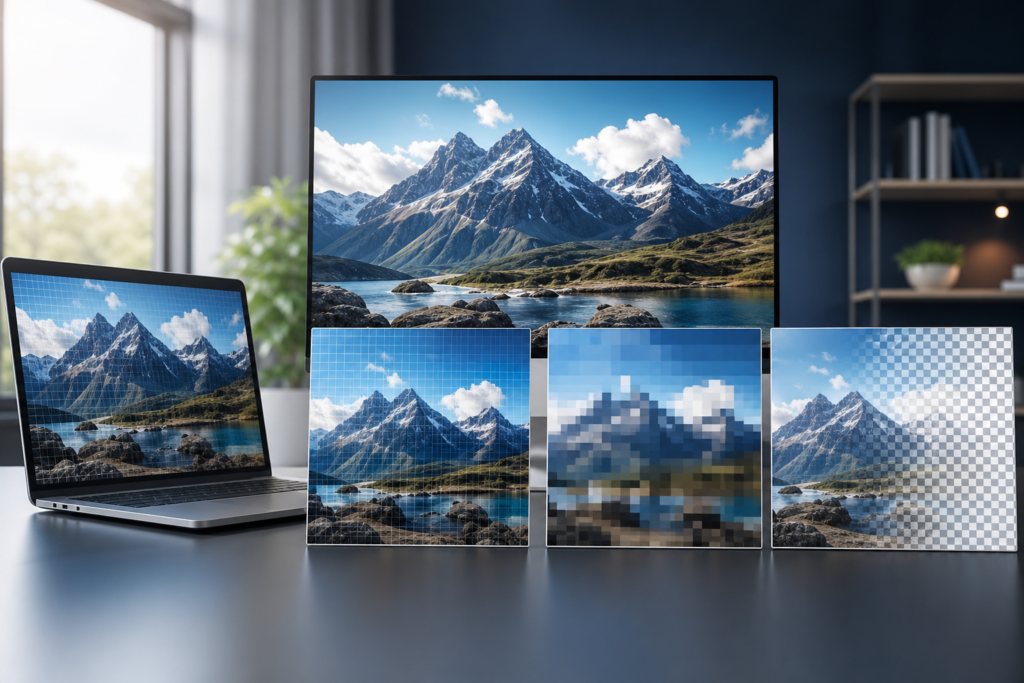
Choosing the right image format can make a noticeable difference in how fast your website loads, how sharp your visuals look, and how easy it is to manage media across devices. The debate around WebP vs JPG vs PNG is common because each format has strengths, trade-offs, and best-fit use cases.
If you use the wrong format, images may load too slowly, appear blurry, or take up more storage than necessary. If you use the right one, you can improve user experience, preserve visual quality, and reduce avoidable page weight without redesigning your site.
In this guide, we’ll break down WebP, JPG, and PNG in practical terms so you can choose the best image format for your website based on real needs like quality, transparency, file size, editing workflow, and browser support.
WebP vs JPG vs PNG: what each format is designed for
Before choosing a format, it helps to understand what each one was built to do.
JPG: ideal for photographs and detailed images
JPG (or JPEG) is a compressed image format widely used for photos, hero banners, blog images, and other visuals with many colors and gradients. It works well when you need relatively small file sizes and can tolerate some loss of quality during compression.
JPG is usually a safe option for:
- Photographs
- Team photos and lifestyle images
- Blog feature images
- Large visuals where transparency is not needed
PNG: best for transparency and sharp graphics
PNG is a lossless format, which means it preserves image data more carefully than JPG. It is often used for logos, icons, screenshots, UI elements, and images that require transparent backgrounds.
PNG is usually the better choice for:
- Logos and brand graphics
- Transparent images
- Screenshots with text
- Diagrams, charts, and interface elements
WebP: the modern all-rounder
WebP is a newer format designed to deliver smaller file sizes while maintaining good visual quality. It supports both lossy and lossless compression, and it can also handle transparency. For many websites, it offers a strong balance between performance and image quality.
WebP is often a strong option for:
- Most website images
- Hero banners and content images
- Photos that need better compression than JPG
- Transparent graphics that would otherwise be saved as PNG
WebP vs JPG vs PNG: the main differences that matter
The best format is not about which one is “better” in every case. It is about choosing the right tool for the job. The table below gives a quick practical comparison.
| Format | Best for | File size | Quality | Transparency | Typical use on websites |
|---|---|---|---|---|---|
| JPG | Photos and rich imagery | Small to moderate | Good, but lossy | No | Blog photos, banners, galleries |
| PNG | Graphics, screenshots, logos | Usually larger | Very high, lossless | Yes | Logos, icons, UI, transparent assets |
| WebP | General web use | Usually smaller | High, flexible | Yes | Photos, visuals, modern optimized assets |
The biggest practical difference is performance. Smaller image files generally load faster, which can help keep pages lighter and easier to browse. That said, file size should never be the only factor if the format hurts clarity or breaks design requirements.
For most websites, the smartest approach is not to standardize on one format only. Use the format that fits the image type, then optimize each file before uploading.
When to use WebP
WebP is often the best default choice for modern websites because it can reduce file size without a major drop in quality. This makes it especially useful when you want faster pages and cleaner performance across many image-heavy pages.
Use WebP when:
- You want to reduce file size for speed and efficiency
- The image is a photo, banner, or content visual
- You need transparency but want a lighter alternative to PNG
- You are managing a modern website with broad browser support
WebP is a particularly smart choice for businesses that publish many pages, landing pages, or product listings. If you run a content-rich site or online store, adopting WebP can simplify ongoing optimization. It also pairs well with broader how to compress images without losing quality practices and a free image compressor workflow before upload.
When to use JPG
JPG remains useful because it is universally supported and works especially well for photographs. If your image is a large, colorful photo without transparency needs, JPG is still a reliable format.
Use JPG when:
- You are publishing photographs with many colors and gradients
- Transparency is not needed
- You want a familiar format with broad compatibility
- Your workflow or CMS is already built around JPG assets
JPG can be a good fallback when you need a simple, dependable format and do not want to change your media pipeline. However, if you are uploading large JPGs straight from a camera or design export, you may be leaving performance on the table. In those cases, resizing and compressing first usually matters more than the format alone.
When to use PNG
PNG is the best option when image precision matters more than file size. It is commonly used where crisp edges, flat colors, or transparency are required.
Use PNG when:
- You need a transparent background
- The image contains text, icons, or interface elements
- Sharp lines and exact detail matter
- The file is small enough that the larger size is acceptable
PNG is often the right choice for logos, website icons, and screenshots. If you are developing a branded website, a clean transparent logo in PNG can be more practical than forcing it into JPG. For projects that involve broader design and build decisions, OneCode Pulse often considers image handling as part of website and e-commerce development services and broader SEO and digital visibility planning.
How browser support affects your choice
Browser support used to be a major argument against WebP. Today, support is much stronger than it was when the format first appeared, which is why many sites now use it as a default for modern browsers. Still, compatibility should be considered if you manage older systems, legacy applications, or unusual user environments.
If your site serves a wide audience, one practical approach is to use modern delivery methods that provide WebP where supported and a fallback format like JPG or PNG where needed. That gives you the performance benefits of WebP without risking broken images for users on older browsers or platforms.
This matters especially for businesses that depend on high uptime and consistent presentation across devices. A thoughtful image strategy is not just a design issue; it is part of the user experience and content reliability of the site.
How to choose the best image format for your website
The right choice usually depends on the type of image, the role it plays on the page, and whether transparency is required. Instead of asking which format is universally best, ask what the image needs to do.
A simple decision framework
- Choose WebP if you want a modern default for most web images and care about efficiency.
- Choose JPG if the image is a photo and you want broad compatibility with acceptable compression.
- Choose PNG if you need transparency, sharp lines, or exact visual fidelity.
Common website image scenarios
- Blog feature image: WebP or JPG
- Product photo: WebP or JPG
- Transparent logo: PNG or WebP
- Screenshot with text: PNG
- Homepage hero banner: WebP
- Icon or UI graphic: PNG or SVG if vector is available
It is also worth noting that image format is only one part of optimization. File dimensions, compression level, lazy loading, responsive image delivery, and content placement all influence how fast a page feels. For teams planning a broader performance upgrade, the technical foundation often starts with proper media preparation and ongoing maintenance practices.
Best practices for using image formats effectively
Here are a few practical habits that help you get the most out of any format you choose.
- Resize images before upload. Do not upload a 4000-pixel image if your site displays it at 1200 pixels wide.
- Compress thoughtfully. Keep a balance between visual clarity and file size.
- Use transparency only when necessary. If a background can be flattened, JPG or WebP may be lighter.
- Match the format to the content. Photos and graphics have different needs.
- Keep originals archived. Store high-quality source files for future edits and conversions.
If your team handles many assets, create a simple internal image workflow so everyone knows when to export JPG, PNG, or WebP. That consistency can reduce rework and keep publishing more efficient over time.
For businesses building or refreshing a site, image standards should be part of the project plan, not an afterthought. Strong visuals are useful, but only when they support performance and usability rather than slowing the experience down.
Conclusion: WebP vs JPG vs PNG
The best choice in the WebP vs JPG vs PNG comparison depends on what the image needs to do. WebP is often the best general-purpose option for modern websites, JPG is still excellent for photos, and PNG remains essential for transparency and crisp graphics. If you want a faster, cleaner website, focus on matching the format to the image type and optimizing every file before it goes live.
OneCode Pulse helps businesses build smarter, higher-performing digital experiences with the right technical foundations behind them. If you want expert guidance on website images, performance, or a broader optimization plan, our team can help you make the best choice for your site.
Frequently Asked Questions
Is WebP always better than JPG and PNG?
No. WebP is often the most efficient option, but JPG is still great for many photos and PNG is better when you need transparency or exact graphic detail.
Should I convert all my website images to WebP?
Not necessarily. A mixed strategy is often best. Use WebP for most web images, but keep JPG for simple photo compatibility and PNG where transparency or sharpness matters.
Does PNG make a website slower?
It can, because PNG files are often larger than JPG or WebP. That does not mean PNG is bad; it just means it should be reserved for images that truly need it.
What image format should I use for logos?
PNG is a common choice for logos because it supports transparency and keeps edges crisp. WebP can also work in some cases, but PNG remains a dependable standard.
How can I optimize images without losing quality?
Start by resizing images to the correct display dimensions, then compress them carefully and choose the format that fits the image type. A structured workflow matters as much as the format itself.
Book a Free Consultation with OneCode Pulse
Need help choosing the right image format or improving website performance? Contact OneCode Pulse for a free consultation and get expert guidance tailored to your site.